

Office and Work-From-Home Posture: A Practical Desk Setup Guide
Last updated: August 10, 2026 · Written by the IYDoaMea Support Team
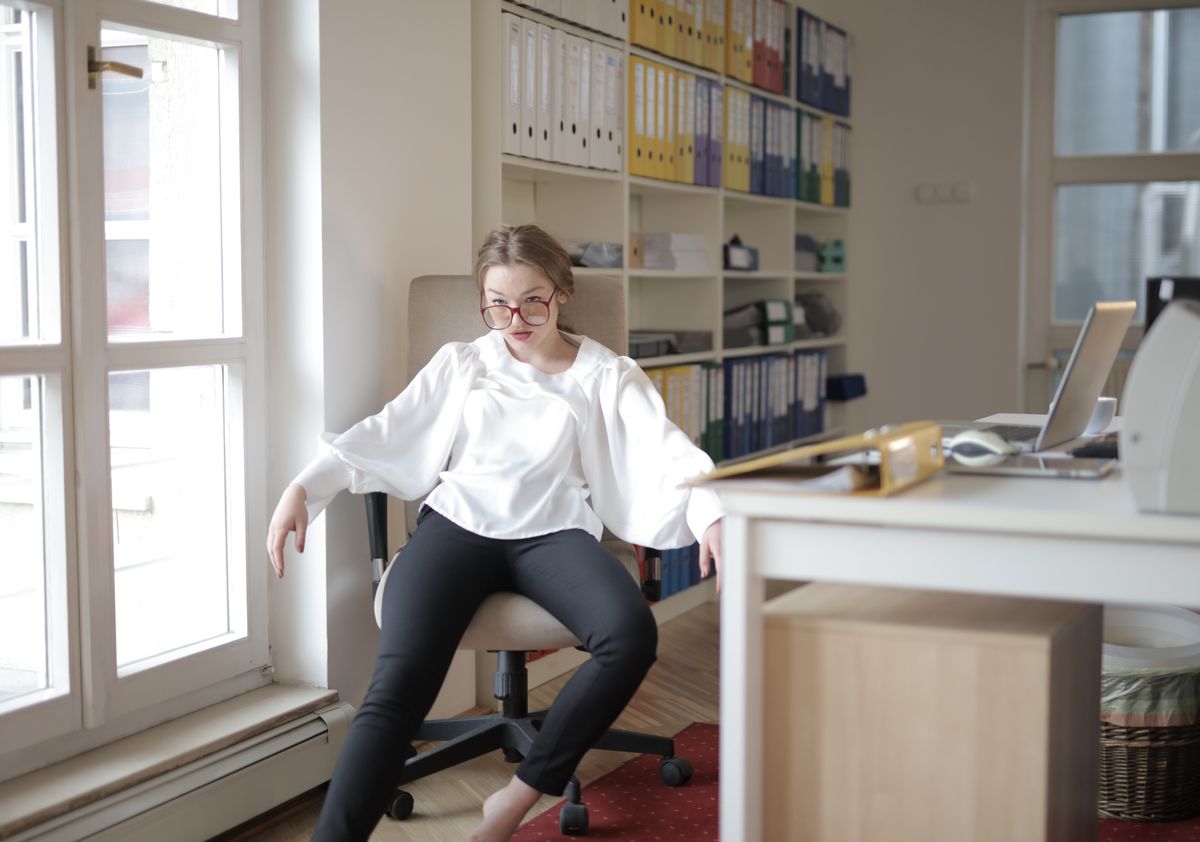
Remote and office work share the same problem: hours in one position let posture quietly slip. The good news is that a few setup changes and small habits reduce most of the end-of-day ache. This guide walks through a practical desk posture setup you can apply today, whether you're at a corporate desk or a kitchen table.
- Screen at eye level is the single highest-impact change.
- Micro-breaks every 30–60 minutes beat one long break.
- Supporting the lower back keeps the spine's natural curve during sitting.
- Products help, but movement and setup do most of the work.
Why Desk Posture Slips
When you can't see the screen, you lean in. When the chair lacks support, you round. When the task is absorbing, you forget to move for hours. None of these is "bad posture" — they're normal responses to a setup that works against the body. Fix the setup and the habit gets easier.
Chair and Screen Setup
- Screen: Top of the screen at or just below eye level; about an arm's length away.
- Chair: Feet flat, hips at or just above knee height, slight recline (100–110°).
- Keyboard and mouse: Elbows near your sides, forearms roughly parallel to the floor.
- Lower back: A lumbar support back brace or a rolled towel adds the natural curve reference.
The Micro-Break Habit
Set a timer for 30–60 minutes. When it goes off: stand, look at something far away, roll the shoulders back, and reset. A lumbar support back during sitting plus these breaks covers most of the daily strain.
Sitting vs Standing
Neither is "better" for the whole day. The win is changing positions. If you don't have a standing desk, stand during calls or do a lap after finishing a task. The goal is variety, not a specific piece of furniture.
Supporting Your Lower Back
Long sitting flattens the lower-back curve. A contoured ergonomic lower back support or a lumbar support brace gives a consistent reference point so you're less likely to round forward. Explore the lower back brace collection for options.
Stretches You Can Do at the Desk
- Neck glide: Tuck the chin gently, hold, release — keeps the head from drifting forward.
- Shoulder rolls: Back and down, five times, to reset the upper back.
- Chest openers: Clasp hands behind the back and lift slightly to counter rounding.
- Standing reach: Reach up and lengthen the spine between tasks.
When a Support Helps Most
A posture corrector during long desk blocks gives gentle feedback when the shoulders round, turning good intention into a habit. For combined upper- and lower-back support, a adjustable posture back brace is a common pick. See the posture corrector collection to compare.
Setup Comparison: Office vs Home
| Setting | Common issue | Quick fix |
|---|---|---|
| Office desk | Low monitor, no lumbar | Raise screen, add support |
| Kitchen table | Hard chair, hunch | Cushion + lumbar roll |
| Couch | Folded slump | Move to a table |
Frequently Asked Questions
What's the best screen height for desk work?
The top of the screen should sit at or just below eye level so your neck stays neutral. Looking down all day is the main cause of end-of-day stiffness.
How often should I stand or move?
A short movement break every 30 to 60 minutes helps more than one long break. Even standing for a minute resets the posture.
Do I need a standing desk?
Not necessarily. Raising the screen, supporting the lower back, and moving often delivers most of the benefit without new furniture.
Can a back support help with office chairs?
Yes. A lumbar support adds a consistent curve reference for the lower back during long sitting.
What's one change that helps most?
Raising the screen to eye level plus a daily micro-break habit usually reduces the slump more than any single product.
Related: How to Choose a Lower Back Brace and posture corrector back support.


